Toon Central Hub
Type
Web Application
Category
SaaS Admin Console
Role
UI Designer
UX Designer - Design systems
Live Website

Mr. Emmanuel Chidubem Ifeanacho
CEO @ Toon Central Hub
Toon Central
Toon Central Admin is the console behind a webtoon platform, built for the staff who review submissions, moderate comments, approve creator payouts and control who on the team can do what. Nothing in it faces the public. Everything in it affects them. By making the severity of an action visible in the interface itself, the console stops a quiet, reversible decision from looking like a permanent one.
Smart Airs
Category
Website & Management System
The Problem
Destructive actions looked the same as reversible ones
Suppressing a series hides it from browse and can be undone in a click. Taking it down removes it from the platform and makes paid episodes unreadable for the readers who bought them. These sat next to each other as two similar buttons.
Staff were shown controls they could not use
Greyed-out buttons on every page told a support agent exactly what existed and then denied them all of it. That produces a steady trickle of "why can't I click this?", a question the interface created and refused to answer.
Personal data sat in the open
Reader emails, phone numbers and creator bank details were plain text on every profile and every export. Any admin could read anyone's details and nothing recorded that they had.
Money moved on one person's judgement
Sending platform credit was one form and one confirm. No statement of who the recipient actually was, no resulting balance, nobody else looking, on an action that cannot be pulled back once it runs.
Toon Central's Goal
The goal was to make consequence visible. Not warnings on everything, which only teaches people to click past warnings, but an interface that carries the difference between something you can undo, something you cannot, and something that should not be one person's decision. Everything else followed from that: who sees what, what you have to type before you proceed, what gets recorded, and how fast the routine work can move when nothing is at stake.
Design process
This process involves understanding user needs and business goals, conducting research, creating wireframes and visual designs, testing with users, iterating based on feedback, and collaborating with development teams to deliver an intuitive, user-centered product.
01
Step
Understand
User Research
User Interview
Competitve Analysis
02
Step
Define
User Personas
Empathy Map
User Journey
03
Step
Ideate
User Flow
Information Architecture
04
Step
Design
Wireframe
Hi-Fi Designs
Prototype
05
Step
Test
Feedbacks
Conclusion
Future Concept
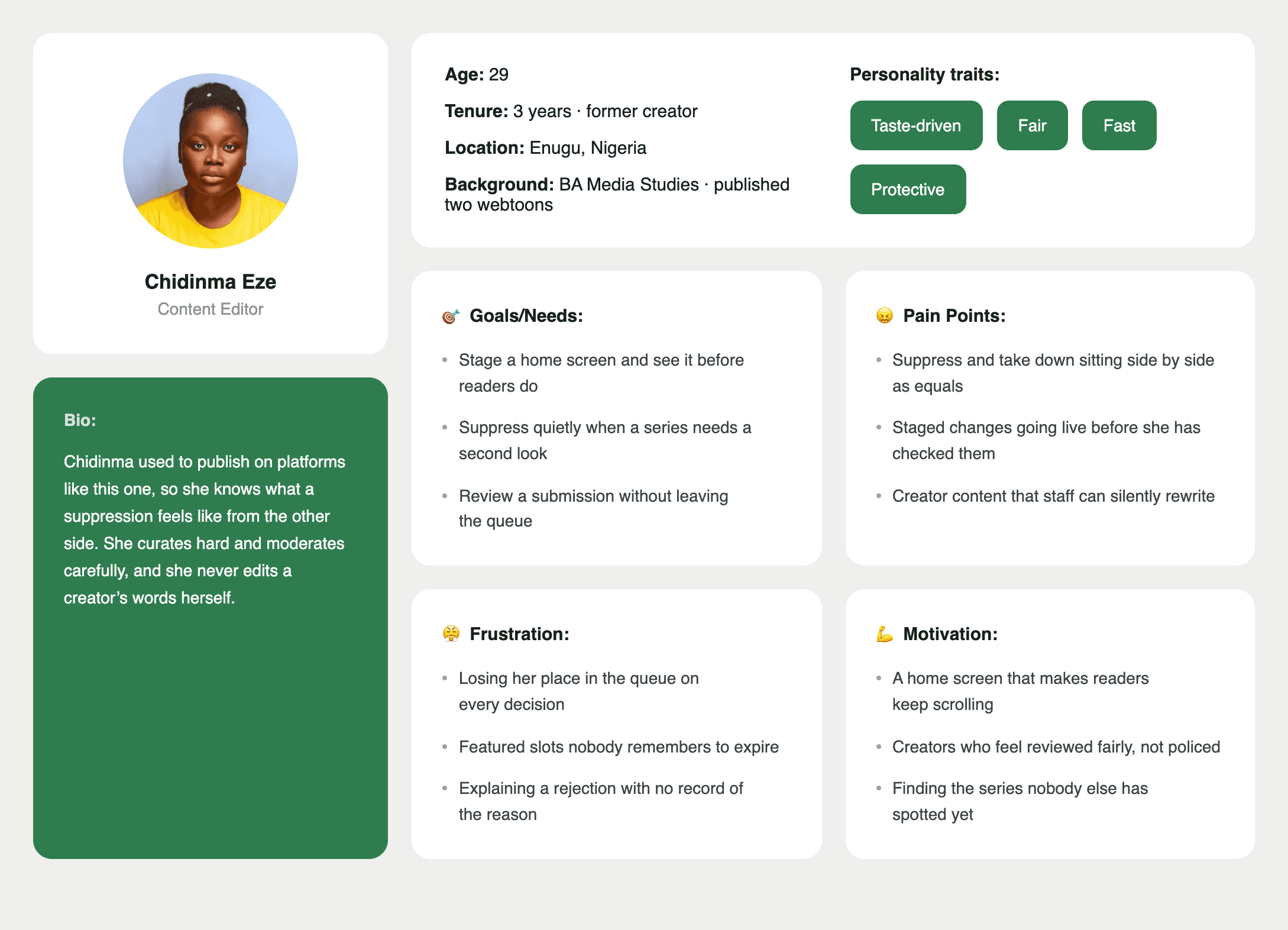
Meet the users
Real people, real problems. These personas shaped every decision
made in designing Toon Central's Admin console
Super Admin
Amarachi Okonkwo

Finance Admin
Tunde Adebayo

Content Editor
Chidimma Eze
Design Approach & Proposed Solution
A walkthrough of the thinking behind the console, the five people it was built for, the principles that came out of that, and how those principles decided every screen.
Defining the Problem
Space
Five roles use this console and they want opposite things. A moderator wants speed. A finance admin wants to be slowed down and made to read. A support agent needs a reader's phone number and has no business seeing platform revenue. A content editor needs to hide a series for a rating review without the power to delete it. A super admin needs all of it, plus the ability to decide who gets what.
One interface for all five meant the severity of the action had to drive the design, not the seniority of the person.
Design principles
established for
Toon Central
Consequence before the click
Every destructive action states its effect in plain language and real numbers before you confirm. "All 18 episodes become unreadable, including for the 4,120 readers who paid to unlock them." Not "are you sure?"
Absent, not disabled
If a role cannot perform an action, the control does not exist for them. Navigation is generated from permissions. A moderator's console has no money pages rather than locked ones.
Every consequential action leaves a record
Append-only, read-only for all five roles including Super Admin, with before and after values. Refused attempts are kept next to successful ones, because a blocked attempt at a sensitive action is often the more interesting record.
What this led to
Suppress and take down stopped looking alike. Personal data went masked by default, with each reveal logged against the admin who asked for it. Credit sends over $1,000 stopped being possible alone. The permissions page turned into an expandable list with a plain-language summary of what each role grants, in place of 55 checkboxes nobody could read.
Every choice traces back to one of the five users and one of the five principles.
User Task flow
A step-by-step look at how users move through Nabata from entry point to goal,
with no unnecessary detours.
Flow 1
Super Admin Flow
Operating the entire platform

Flow 2
Finance Admin Flow
Reconcile, then pay out

Flow 3
Content Editor's Flow
Review, then curate

Low Fidelity Wireframes
A closer look at the screens that define how the Admin's console works from first tap to final transaction.
Super Admin's Interface
An overview of the entire operation

Content Editor's Interface
An overview of the entire operation

Finance Admin's Interface
An overview of the entire operation

Featured Screens
A closer look at the screens that define how Igree works from first tap to final transaction.
Finance Admin
Finance Admin's Interface
Super Admin
Super Admin's Interface
Content Admin
Content Editor's Interface
Moderator
Moderator's Interface
Toon Central's Impact
on the Teams Who
Use It
Moderators
Decisions happen without leaving the list, and restricting an author happens in place rather than two pages away. A misclick costs eight seconds instead of an apology to a reader.
Finance admins
Every figure says whether it is gross or net, and anything unsettled is labelled provisional with its settle date, so nobody reports a number that moves next week. Excluded creators are surfaced with the reason they are out, not buried in the run.
Support agents
Everything a ticket needs is in the ticket, including the account actions, already filled in with that requester. Internal notes cannot be mistaken for outbound replies
Content editors
The review queue reads as an inbox with the submission at full size. One-field fixes like a rating get applied before approval instead of bounced back to the creator.
Super admins
The roles page says what each role grants in plain sentences. Access given to one person shows on that person rather than disappearing into a role.
Colour guide
Every colour in Igree is deliberate chosen to build trust, guide attention, and keep the experience feeling consistent from screen to screen.

Typography
The typeface choices across Igree prioritize readability without sacrificing personality clean enough for commerce, distinct enough to own.

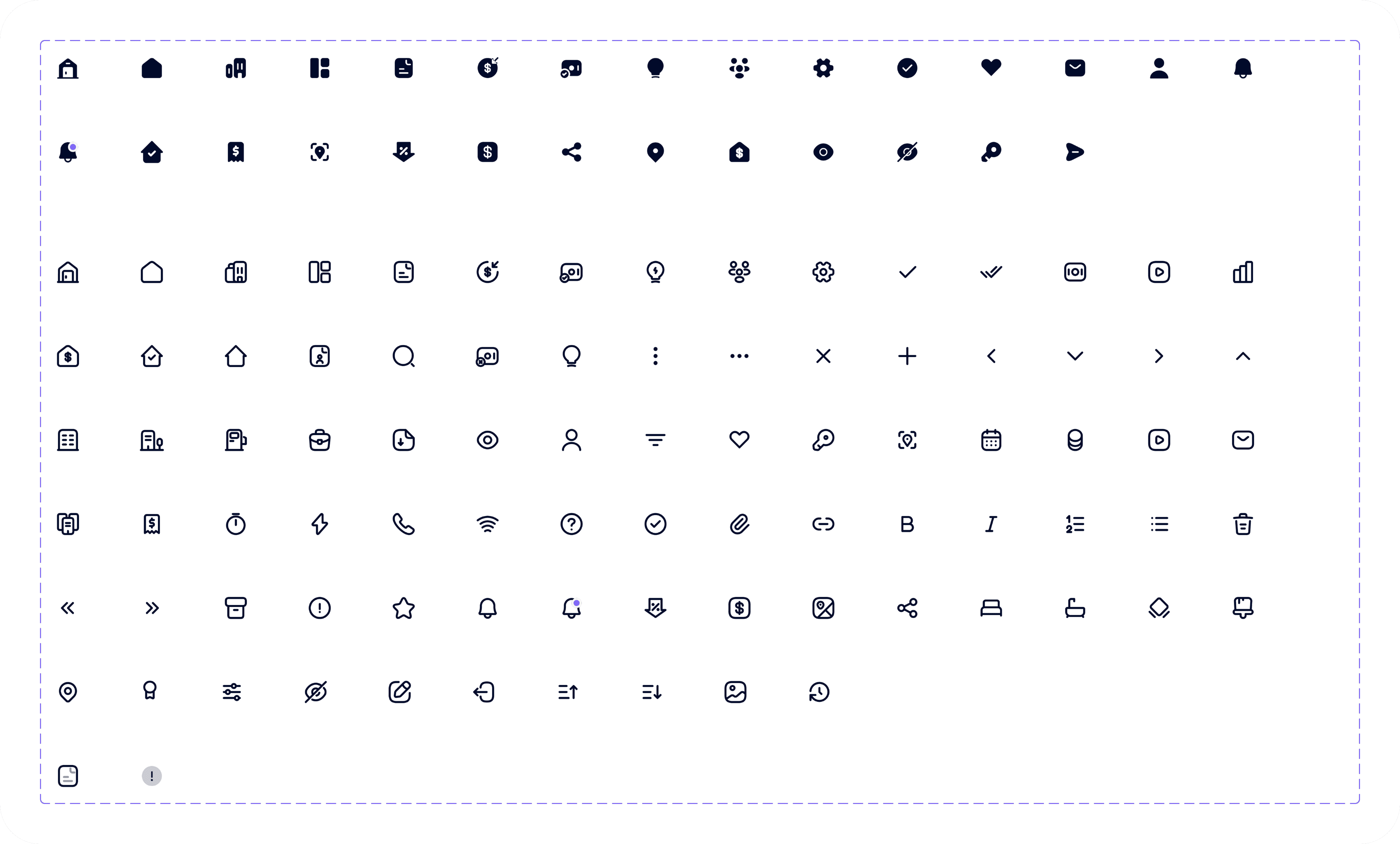
Iconography
Every icon in Igree is built for instant recognition simple enough to read at a glance,
consistent enough to feel like one system.
Management System
Smart Airs
Tax Revenue Collection System
Web Application
Nabata
SaaS Hospitality Website
Explore all projects


Available for Freelance
Back to Top
Available for Freelance
Back to Top
Let’s Create
something extraordinary
together
Let’s make an impact!


Victor C. Nwobodo
UI UX Designer



Contact me
designwithvcn@gmail.com
Hit me up if you’re looking for a fast, reliable UI UX Designer who can bring your vision to life
Designed with ❤️, Logic and a lot of Coffee.
Copyright © Web Design and Development, 2026
Created by
Victor Nwobodo